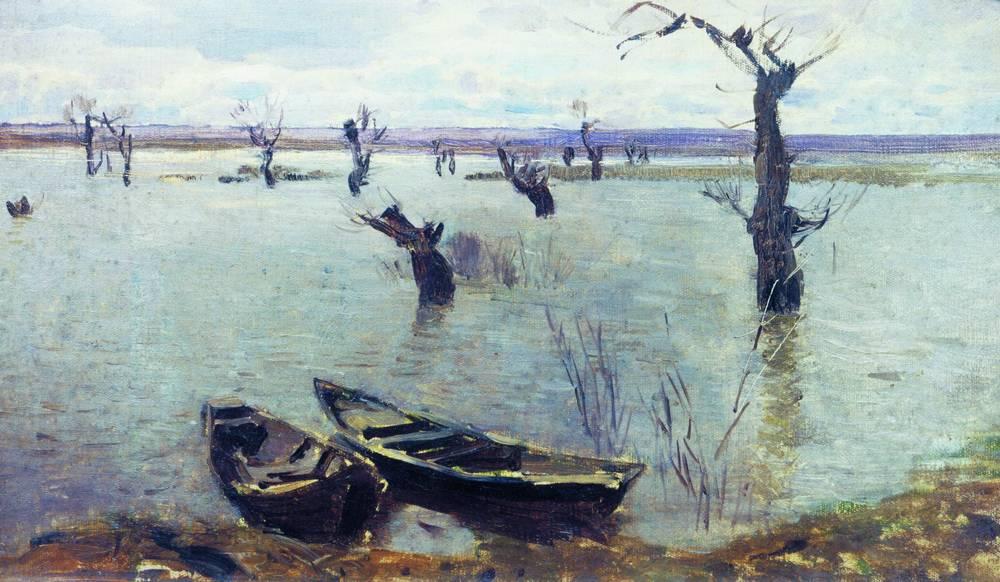
If you think you can't sketch the painting. Click 'New Painting' to get a new one.
Click on 'Erase' to remove unwanted strokes and click 'Sketch' to start sketching again.
You can look up the painting as many times as you want by clicking 'Show Painting'.
Important: After the image is displayed again, the canvas is cleared.